AdGuard Home vs Pi-hole: Why We Chose AdGuard
AdGuard
Beginner
5 min read
Published: May 7, 2026
Was this helpful?
Help us improve our community guides.
Help us improve our community guides.
AdGuard Home Parental Controls — Step-by-step guide for your LocalNode.
Complete AdGuard Home Setup Guide — Step-by-step guide for your LocalNode.
Setting Up AdGuard Home on Every Device — Step-by-step guide for your LocalNode.
If you've researched home servers, you've likely heard of Pi-hole. For a long time, it was the king of network ad-blocking. However, LocalNode ships with AdGuard Home instead. Here's why.
Both Pi-hole and AdGuard Home do the exact same core job: they act as DNS sinkholes to block ads at the network level. But while Pi-hole is a fantastic pioneer built from a collection of older Linux tools, AdGuard Home is a modern, single-binary application written in Go that simply runs faster and offers more features out of the box.
Pi-hole uses dnsmasq under the hood. While reliable, it processes DNS requests sequentially.
AdGuard Home allows for Parallel Requests. When your browser asks for a website IP, AdGuard can simultaneously ask Cloudflare, Google, and Quad9, taking whichever answer comes back fastest. This shaves precious milliseconds off every page load, making your internet feel tangibly snappier.
Adding custom rules in Pi-hole requires understanding Regex (Regular Expressions). If you want to block a specific subdomain, it can be intimidating for average users.
AdGuard Home uses standard Adblock-style syntax (the exact same syntax used by uBlock Origin). You can literally copy and paste rules from browser extensions directly into the AdGuard dashboard. Furthermore, the UI is cleaner, more modern, and easier to navigate on a mobile phone.
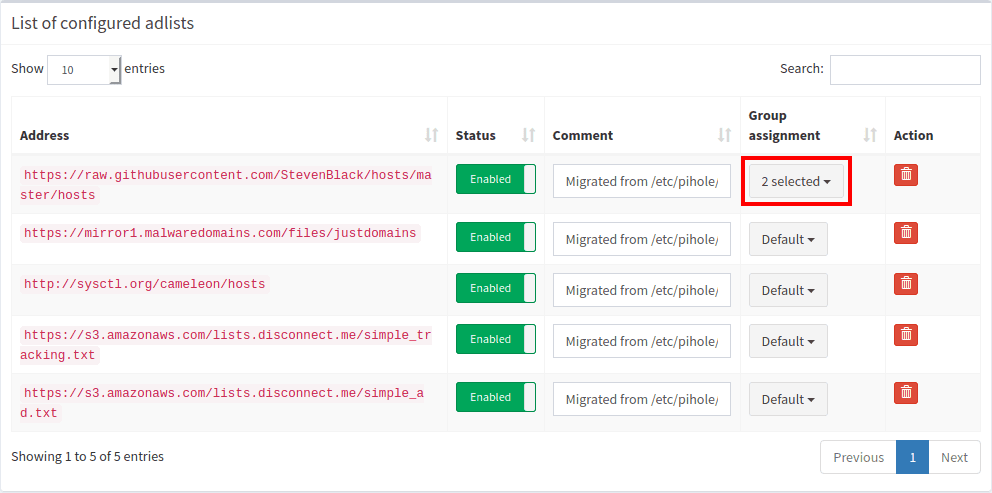
With Pi-hole, blocking specific services requires you to manually find and add the dozen tracking domains that the service uses.
AdGuard Home has a built-in "Blocked Services" tab. With a single click, you can block TikTok, Tinder, Roblox, or YouTube across your entire network. It also features a one-click toggle to enforce "Safe Search" on Google and Bing for your kids' devices—a feature that requires complex manual DNS rerouting to achieve in Pi-hole.
By default, DNS queries are sent in plain text, meaning your internet provider can see every website you visit.
Pi-hole requires you to install and configure a separate piece of software (like cloudflared or unbound) to encrypt your DNS traffic. AdGuard Home supports DNS-over-HTTPS (DoH), DNS-over-TLS (DoT), and DNS-over-QUIC (DoQ) natively out of the box. You just paste an encrypted URL into the settings, and your privacy is instantly secured.
Summary: Pi-hole is excellent software, but AdGuard Home requires less maintenance, runs faster, and provides parental controls that families actually need. That's why it is the default blocker on LocalNode.
Need help? Email hello@localnode.tech or visit localnode.tech/contact.