Complete AdGuard Home Setup Guide
AdGuard
Beginner
5 min read
Published: May 7, 2026
Was this helpful?
Help us improve our community guides.
Help us improve our community guides.
AdGuard Home Parental Controls — Step-by-step guide for your LocalNode.
AdGuard Home vs Pi-hole: Why We Chose AdGuard — Step-by-step guide for your LocalNode.
Setting Up AdGuard Home on Every Device — Step-by-step guide for your LocalNode.
AdGuard Home is a network-wide ad and tracker blocker. Instead of installing ad-blockers on every single browser in your house, AdGuard stops the ads at the source before they even reach your devices.
AdGuard Home operates as a "DNS Sinkhole". Whenever your phone or smart TV tries to load an advertisement or a tracking pixel, AdGuard looks at its massive list of known ad servers and simply blocks the connection. The result is a faster, cleaner internet experience across your entire Wi-Fi network.
192.168.1.50).The first time you launch AdGuard Home, you must configure its core listening ports.
http://localnode.local.http://localnode.local:3000.3000.53. (Port 53 is the universal standard for DNS traffic).💡 Tip: From now on, you will log into AdGuard Home using the username and password you just created. Do not lose this password!
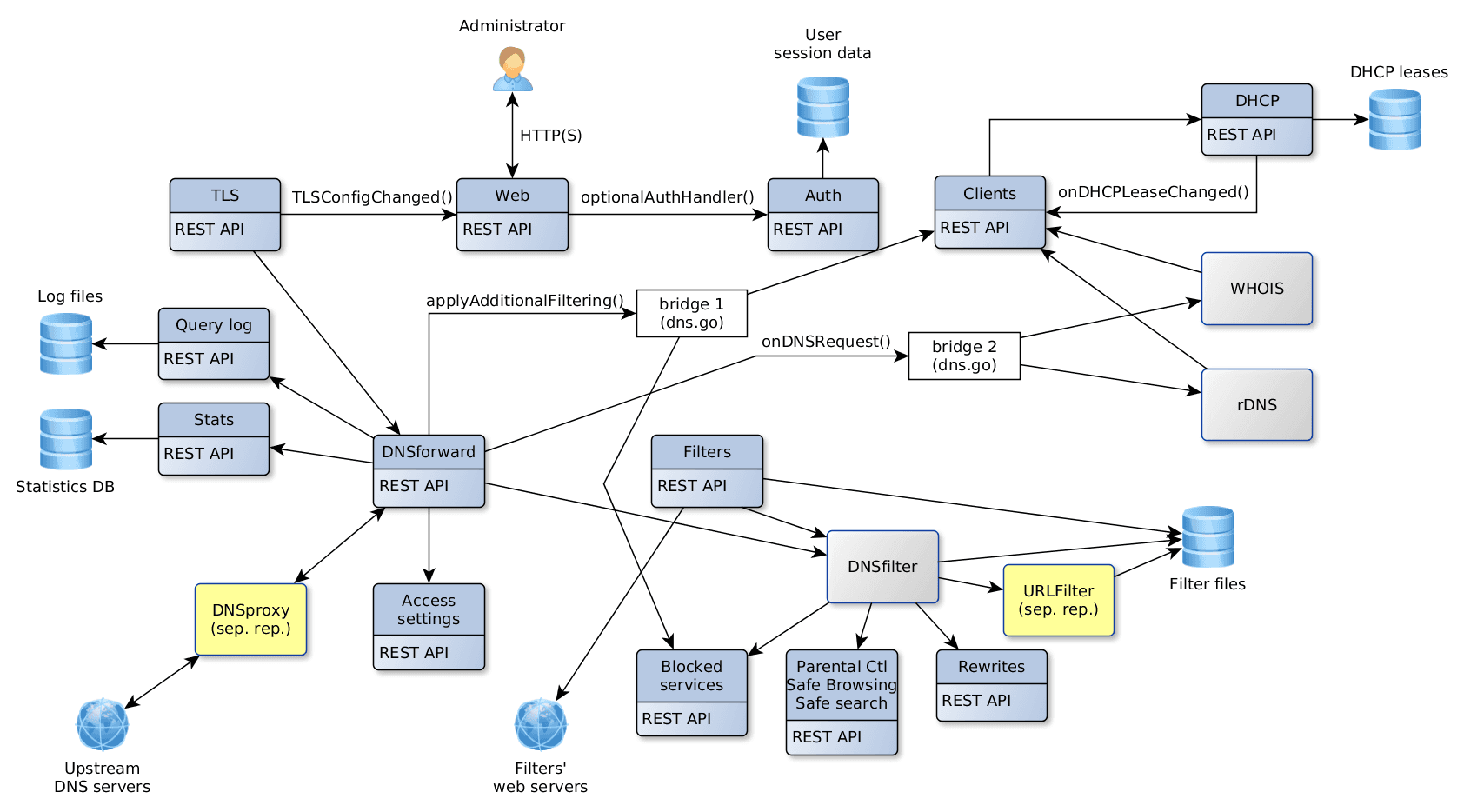
When a request is *not* an ad (e.g., you typing google.com), AdGuard needs to forward that request to a real internet DNS provider to get the IP address. We recommend using Cloudflare for speed and privacy.
https://dns.cloudflare.com/dns-query tls://dns.google
1.1.1.1 8.8.8.8
⚠️ Warning: Do not skip the Bootstrap DNS step. If AdGuard doesn't have a bootstrap IP, it cannot look up the secure Cloudflare URL, and your entire internet will stop working.
Right now, AdGuard is running, but your devices aren't using it yet. To verify it works:
192.168.1.50).Need help? Email hello@localnode.tech or visit localnode.tech/contact.