Collaborating on Documents in Nextcloud
Files
Beginner
5 min read
Published: May 7, 2026
Was this helpful?
Help us improve our community guides.
Help us improve our community guides.
Connecting Nextcloud to External Storage — Step-by-step guide for your LocalNode.
Setting Up Nextcloud for the First Time — Step-by-step guide for your LocalNode.
Setting Up Nextcloud Talk for Private Family Chat — Step-by-step guide for your LocalNode.
You don't need a Microsoft Office 365 subscription. Nextcloud includes a full office suite that allows you to create, edit, and collaborate on Word, Excel, and PowerPoint files directly in your web browser.
Nextcloud uses a built-in office suite called Collabora Online (based on LibreOffice). When you click on a `.docx` or `.xlsx` file in your Nextcloud dashboard, it doesn't just download the file; it opens a fully-featured word processor right in the browser, identical to Google Docs.
On newer versions of Nextcloud, the office suite is usually pre-installed. Let's verify it is active.
⚠️ Warning: The built-in CODE server is quite heavy and requires a minute or two to start up the first time you load a document. If it fails to load, restarting the Nextcloud app from the LocalNode dashboard usually fixes it.
The interface looks incredibly similar to Microsoft Office, complete with ribbons, formatting tools, and formula support for spreadsheets. Any changes you make are saved to the LocalNode automatically in real-time.
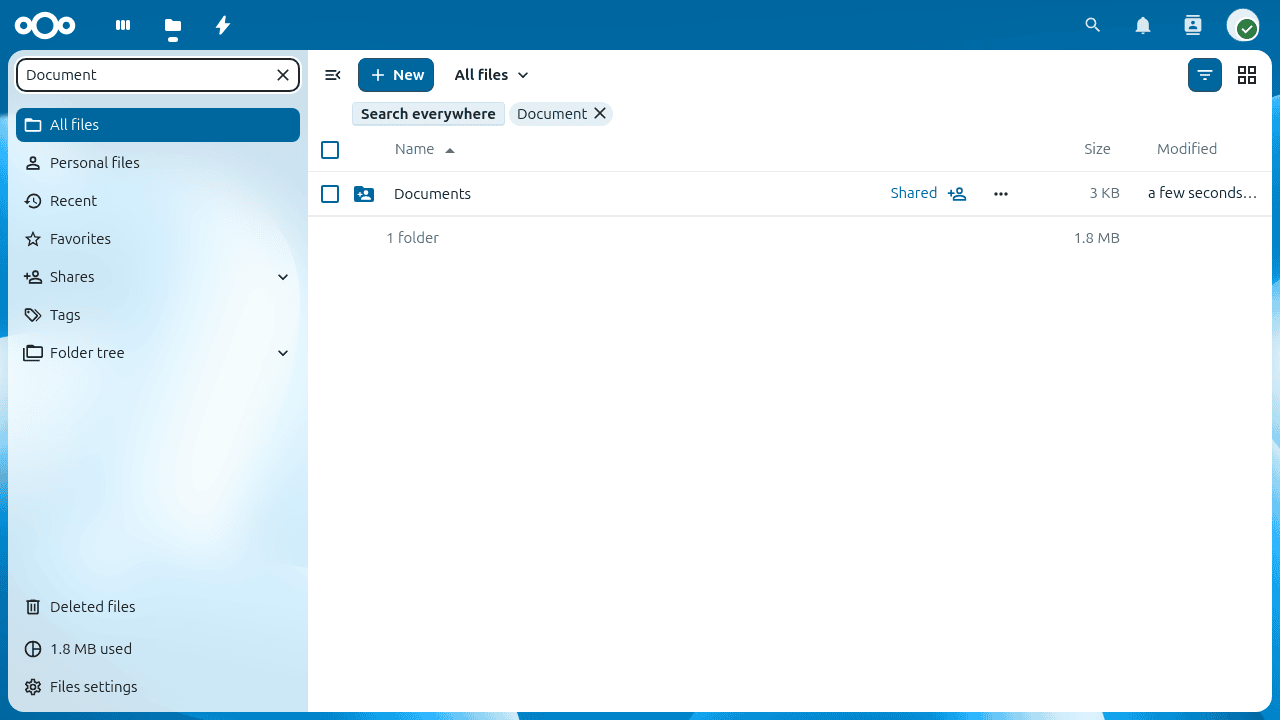
Just like Google Docs, multiple people can edit the same document at the exact same time.
You will see their cursor moving around the screen in real-time, color-coded with their name. There is also a built-in chat sidebar on the right side of the screen so you can talk to each other while editing.
Need help? Email hello@localnode.tech or visit localnode.tech/contact.